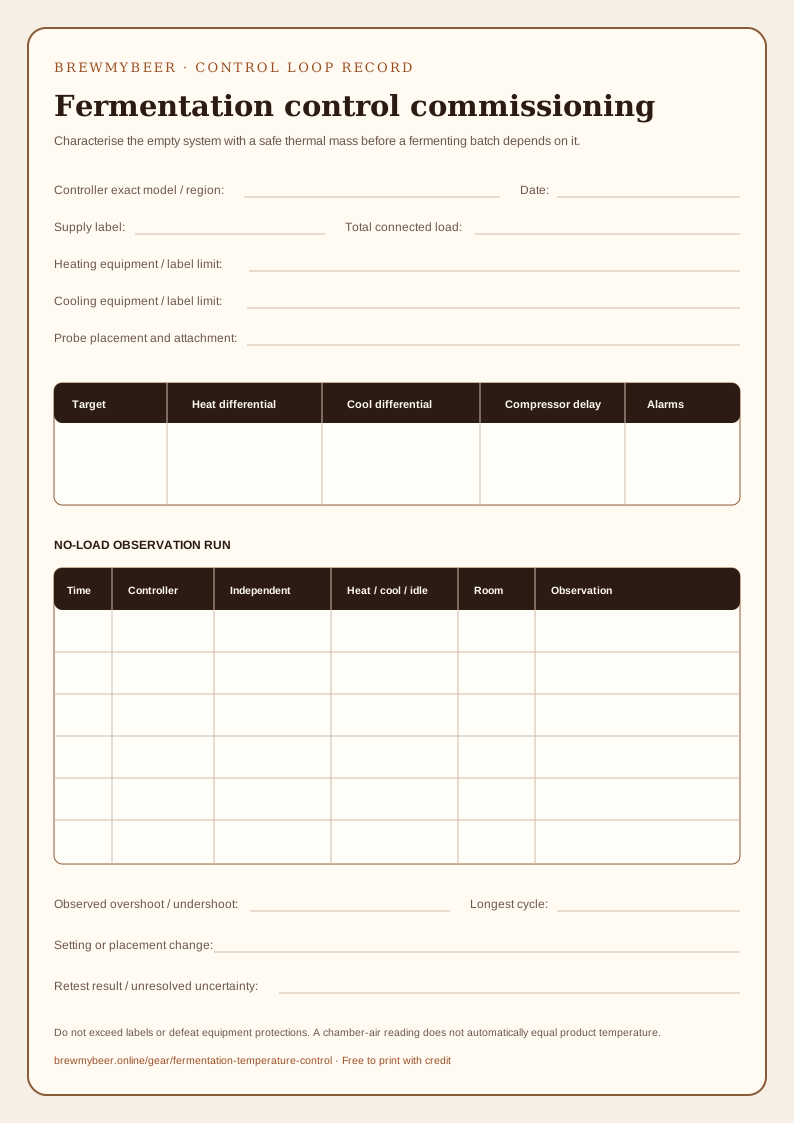
Fermenting liquid, vessel surface and chamber air can move at different rates. A controller
only switches compatible equipment from the reading it receives. Probe position, differential,
thermal lag and equipment capacity shape the result.
Commissioning map
Four records make the system explainable.
01
Sense
Place and secure the probe according to the equipment instructions. Record whether it represents air, vessel surface or liquid.
02
Decide
Set the target, heating and cooling differentials, alarms and any compressor delay deliberately.
03
Act
Use only compatible heating and cooling equipment within the exact regional controller and appliance limits.
04
Observe
Log controller readings and an independent product-temperature check so lag and overshoot remain visible.
Controller and trend monitor: different roles
These are different tools with different jobs. The figures are manufacturer specifications, not
BrewMyBeer bench results. Specifications can change by model or region; open the source and
confirm the exact product before acting.
Switch compatible heating and cooling equipment
ITC-308 dual-stage temperature controller
INKBIRD
You have separately compatible heating and cooling equipment and need one controller to switch them around a target.
Specification
Published value
Control range
−50 to 120 °C for the listed ITC-308 model
Stated temperature accuracy
±1 °C / ±2 °F
Sensor
Attached NTC sensor
Outputs
Separate heating and cooling receptacles
Listed 120 V model limit
10 A / 1,200 W total Regional versions differ; confirm the label and manual for the exact unit.
Check before choosing
Verify the exact regional model, supply voltage, plug, total load and connected-equipment instructions before use.
Probe placement and differential settings influence the product temperature; an ambient reading is not automatically a liquid reading.
Compressor delay is a configurable protection feature, not permission to ignore the refrigeration maker’s limits.
Manufacturer sources checked 8 October 2026. Electrical limits and plugs differ by regional model.
Follow the exact controller, heating and cooling equipment instructions. BrewMyBeer has not
tested these devices or verified current stock, price or affiliate approval.